Verified Timesheets
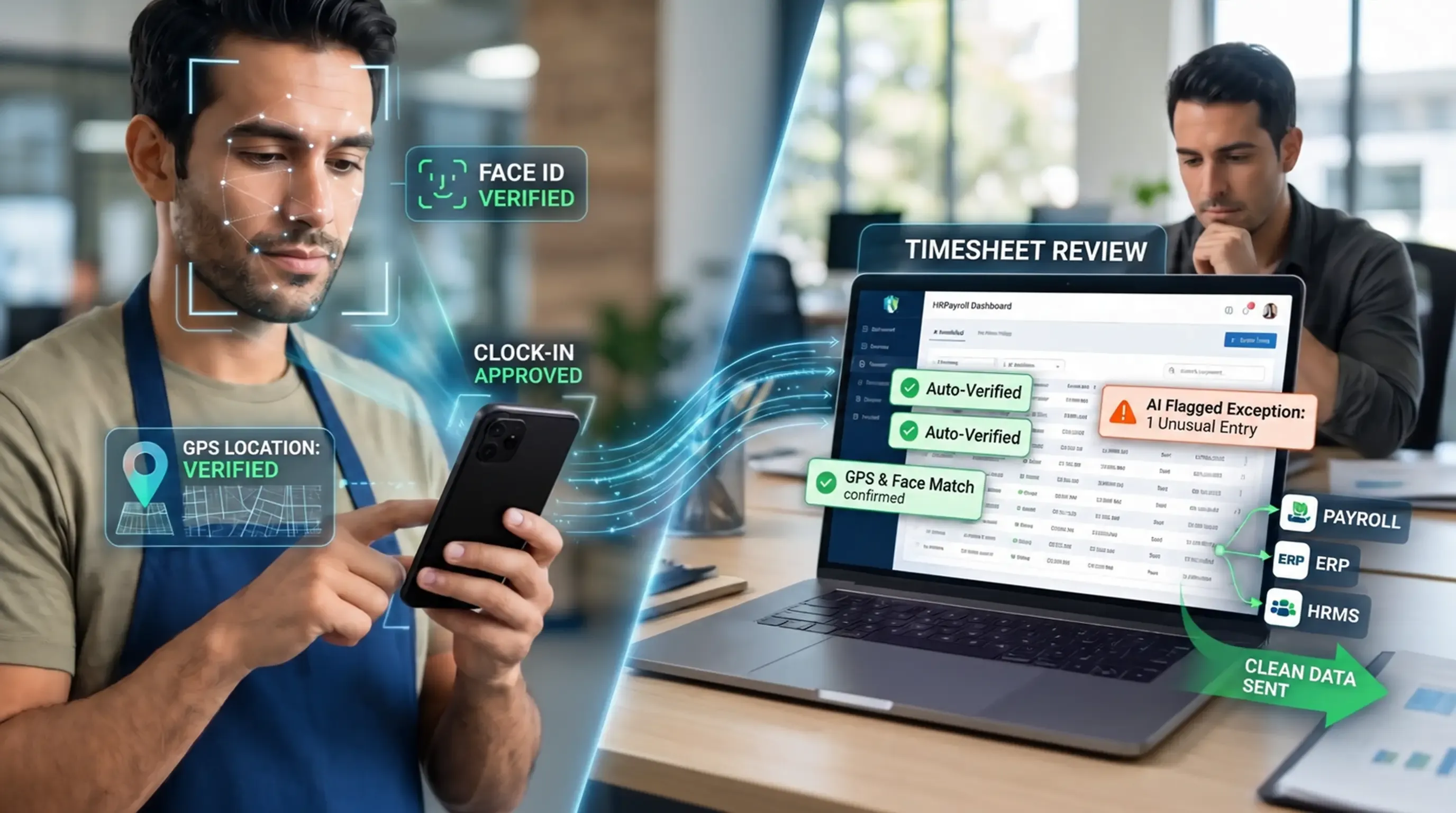
Each clock-in is checked with face recognition and GPS. AI flags unusual entries before payroll runs, so your payroll, ERP, or HRMS receives clean data and your team only reviews the exceptions.
Plan, manage and track your team tasks, projects and workflows with our all-in-one Teams Management System. From project management dashboards to resource management tools — TeamsCollab, developed by O2sApps, gives your team everything they need to deliver results.
Manage projects from start to finish with a central project management dashboard. Create instantly, track progress in real-time, and keep every milestone in clear view.
Schedule, track, and manage meetings with agendas, action items, and real-time notes — all in one organized dashboard. No more missed follow-ups.
Create, update, track, rate, or close tasks — all in one place. Full visibility into ownership, deadlines, and progress so nothing falls through the cracks.
Track total, new, delayed, closed, and rejected actions in one view. Spot bottlenecks early and drive continuous team improvement across your entire team's management system.
See every team member's tasks on a single screen. Our resource management system lets you update assignments, track workload, and stay in full control — effortlessly.
Track quarterly 3-month achievements and performance goals in one place. Set targets, monitor progress, and drive continuous growth across your team.


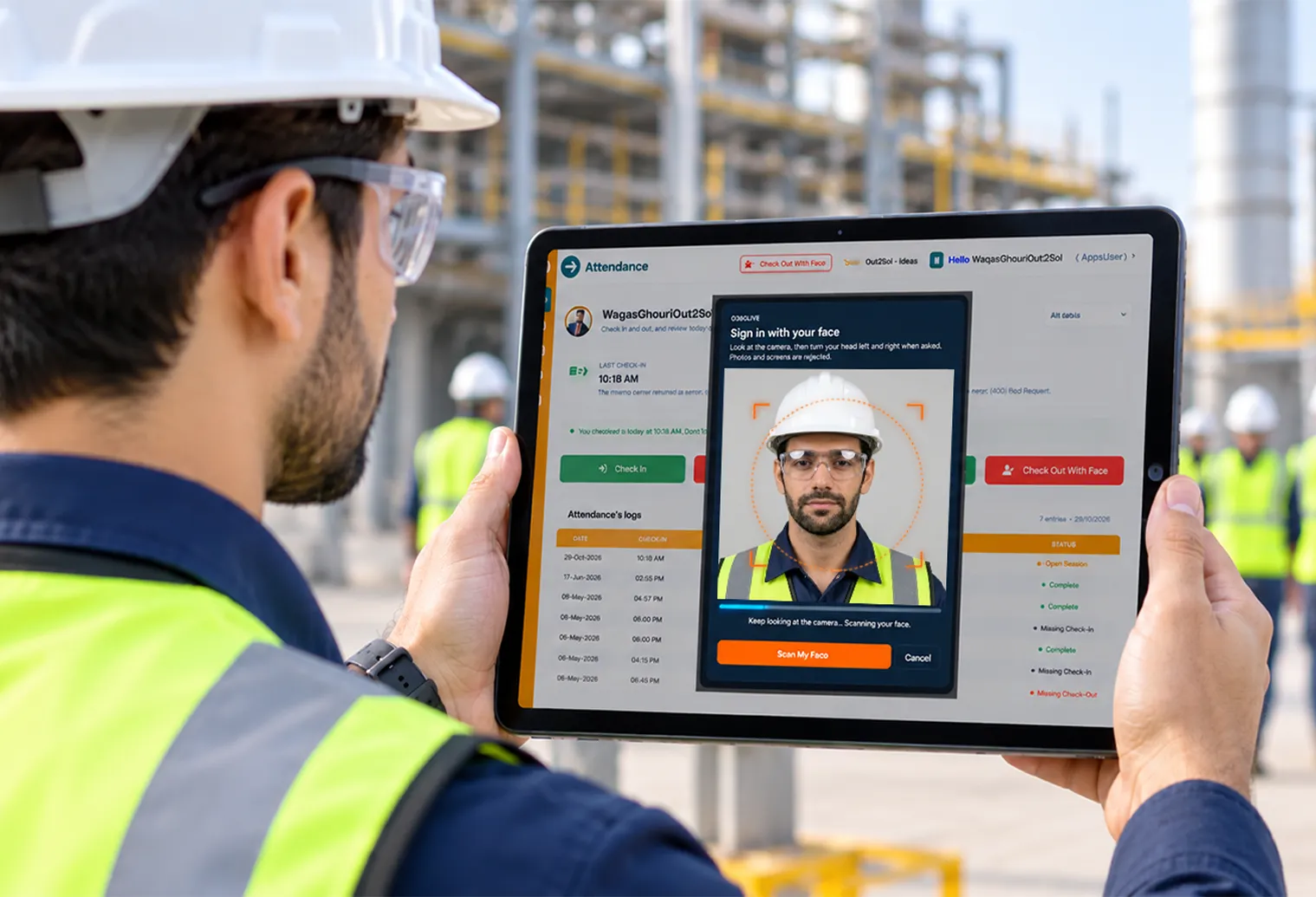
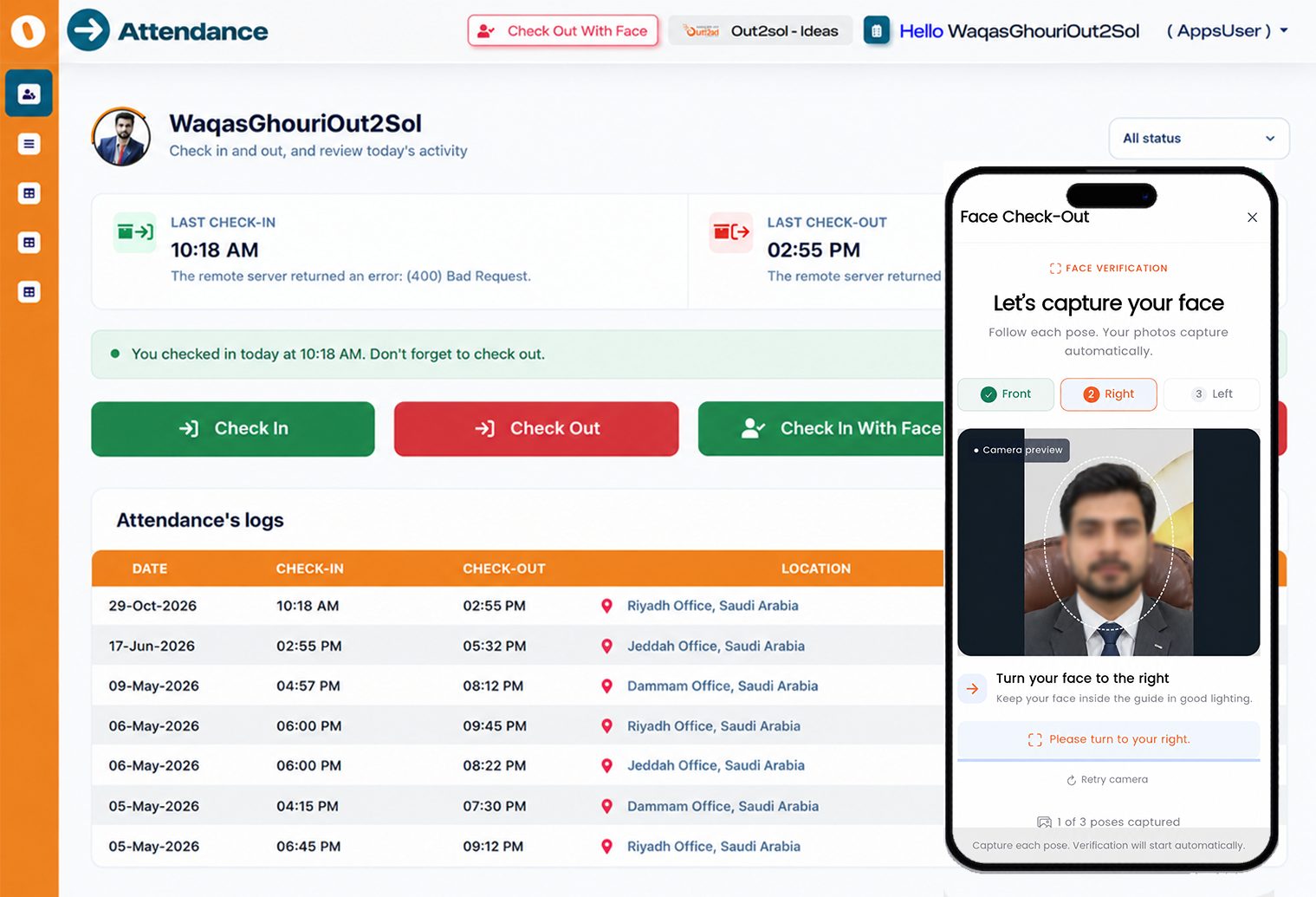
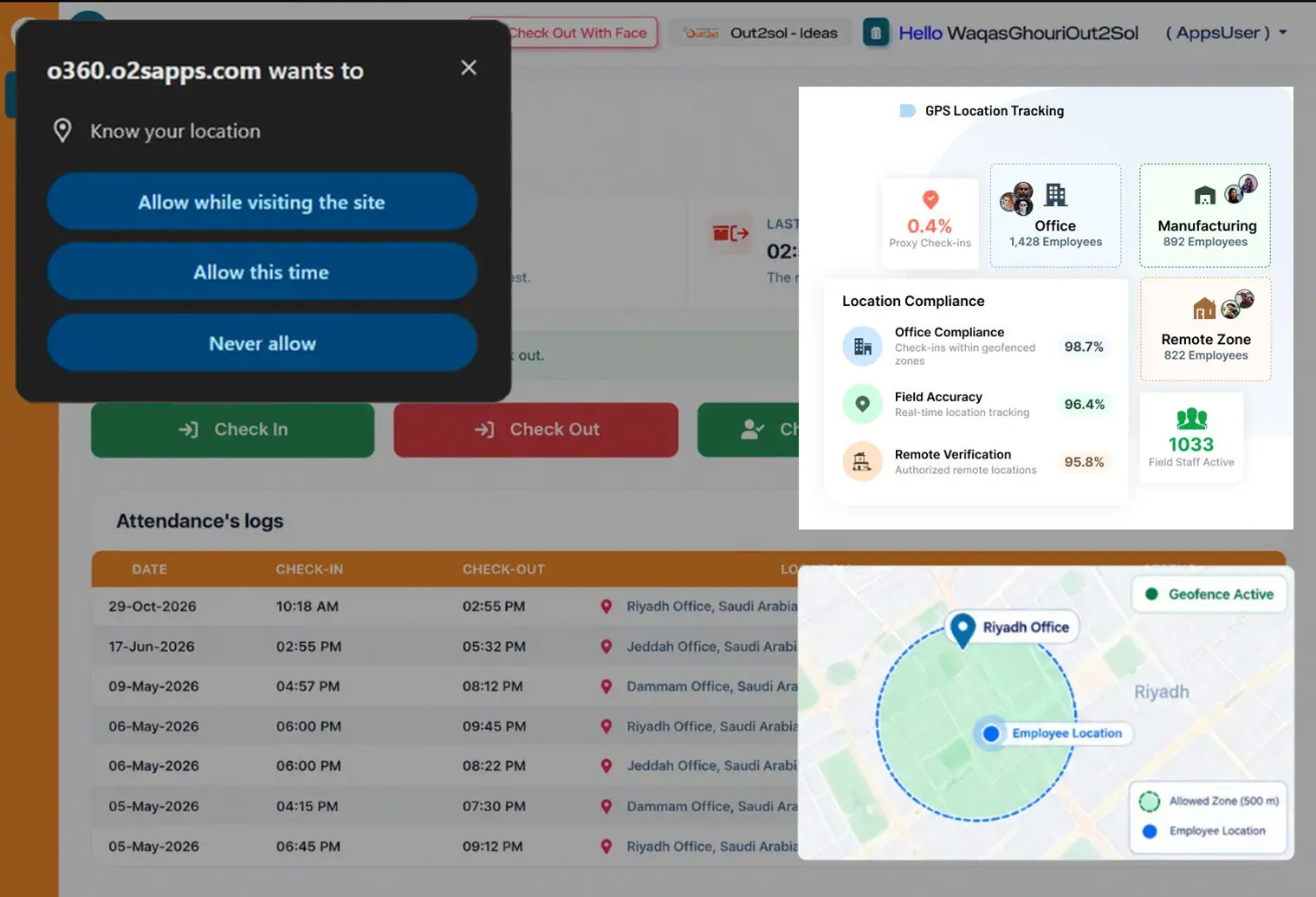
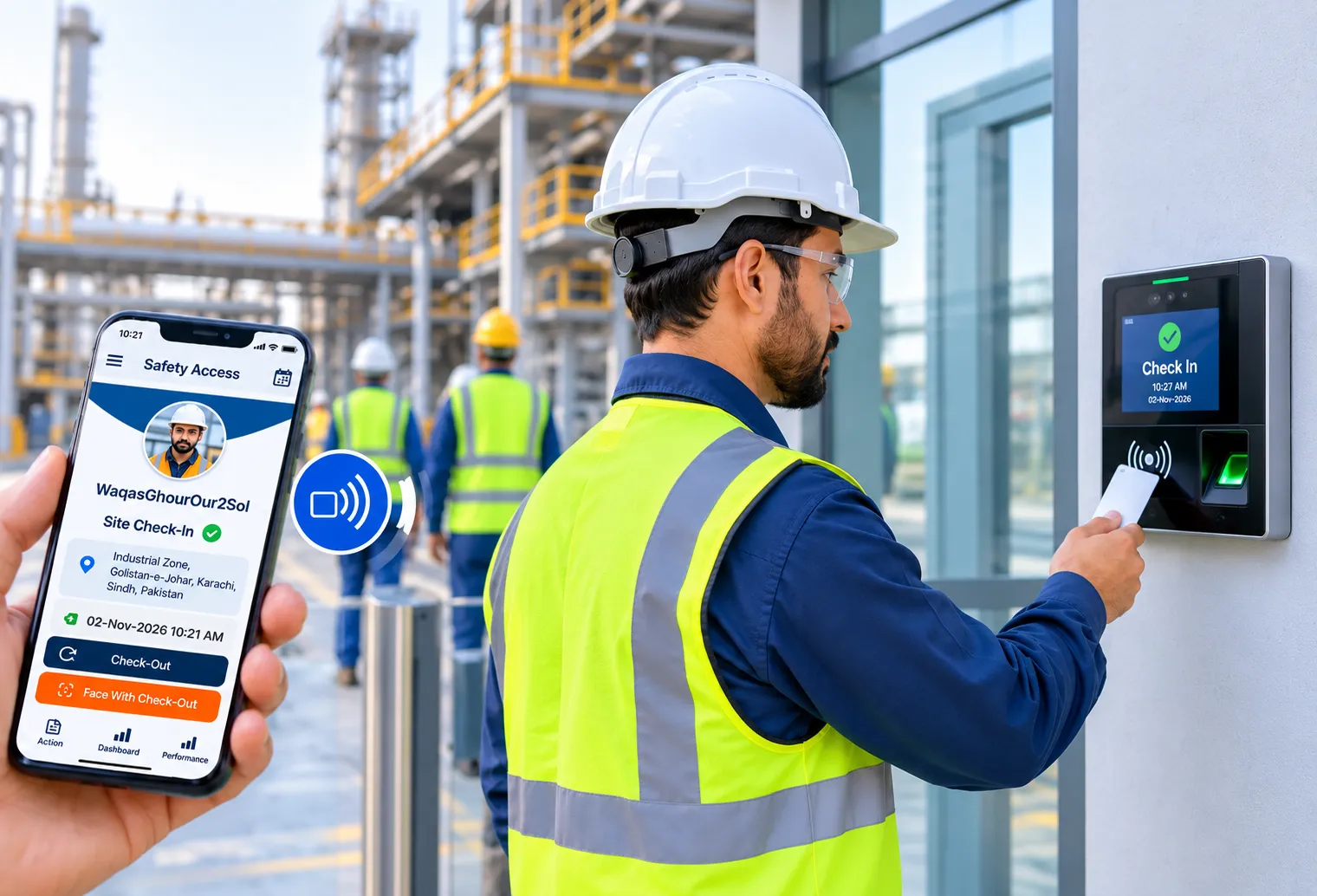
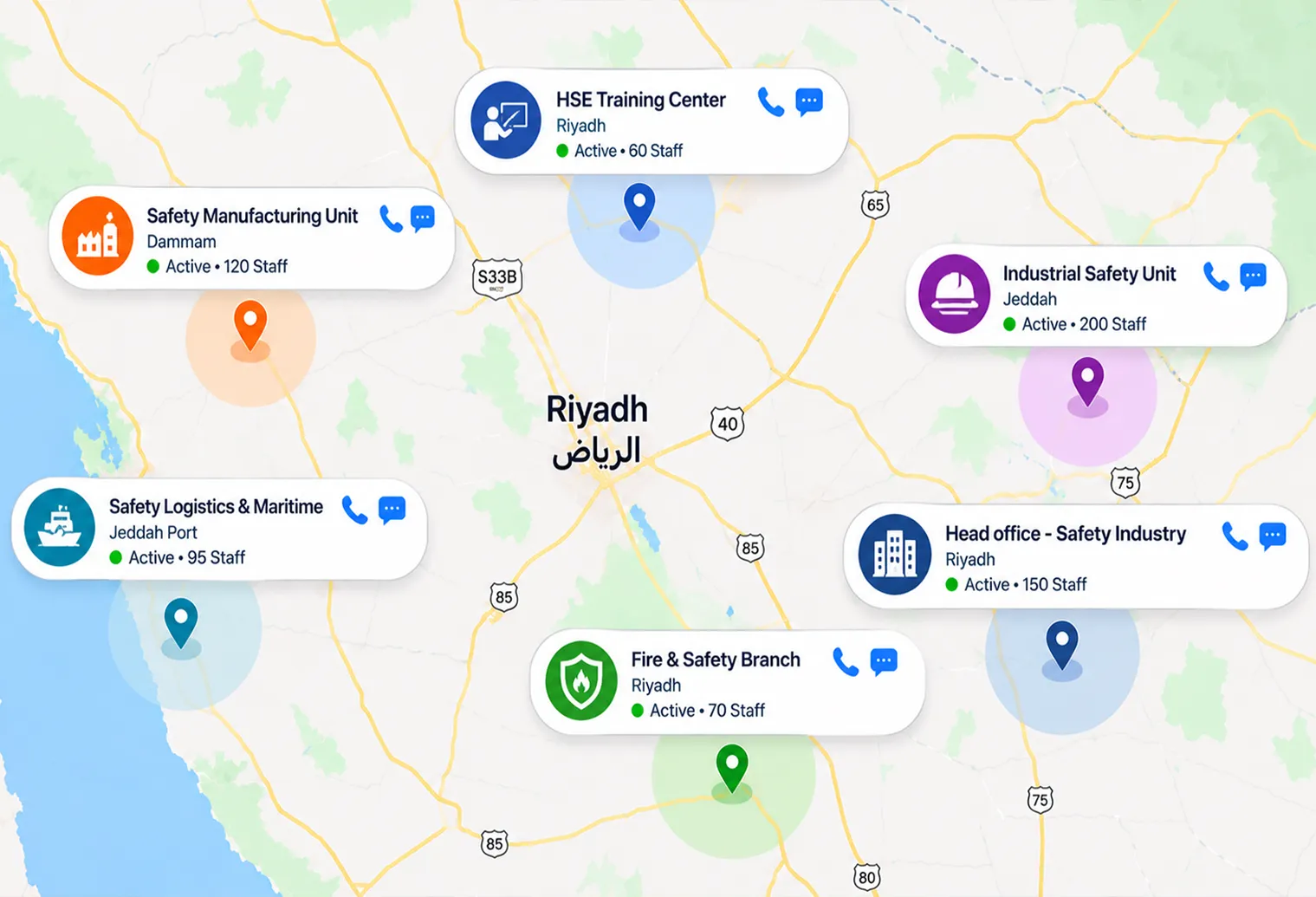
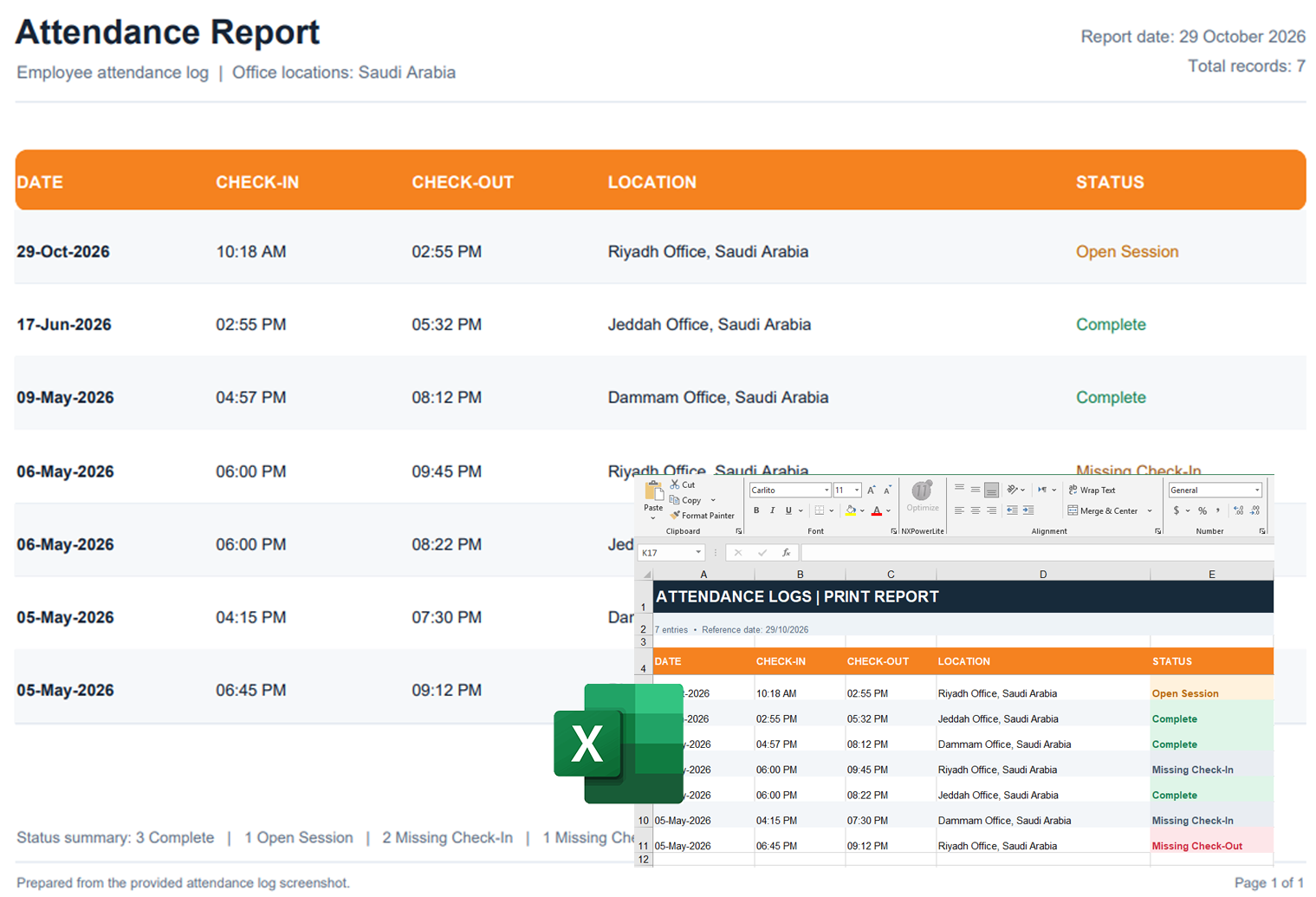
Each clock-in is checked with face recognition and GPS. AI flags unusual entries before payroll runs, so your payroll, ERP, or HRMS receives clean data and your team only reviews the exceptions.
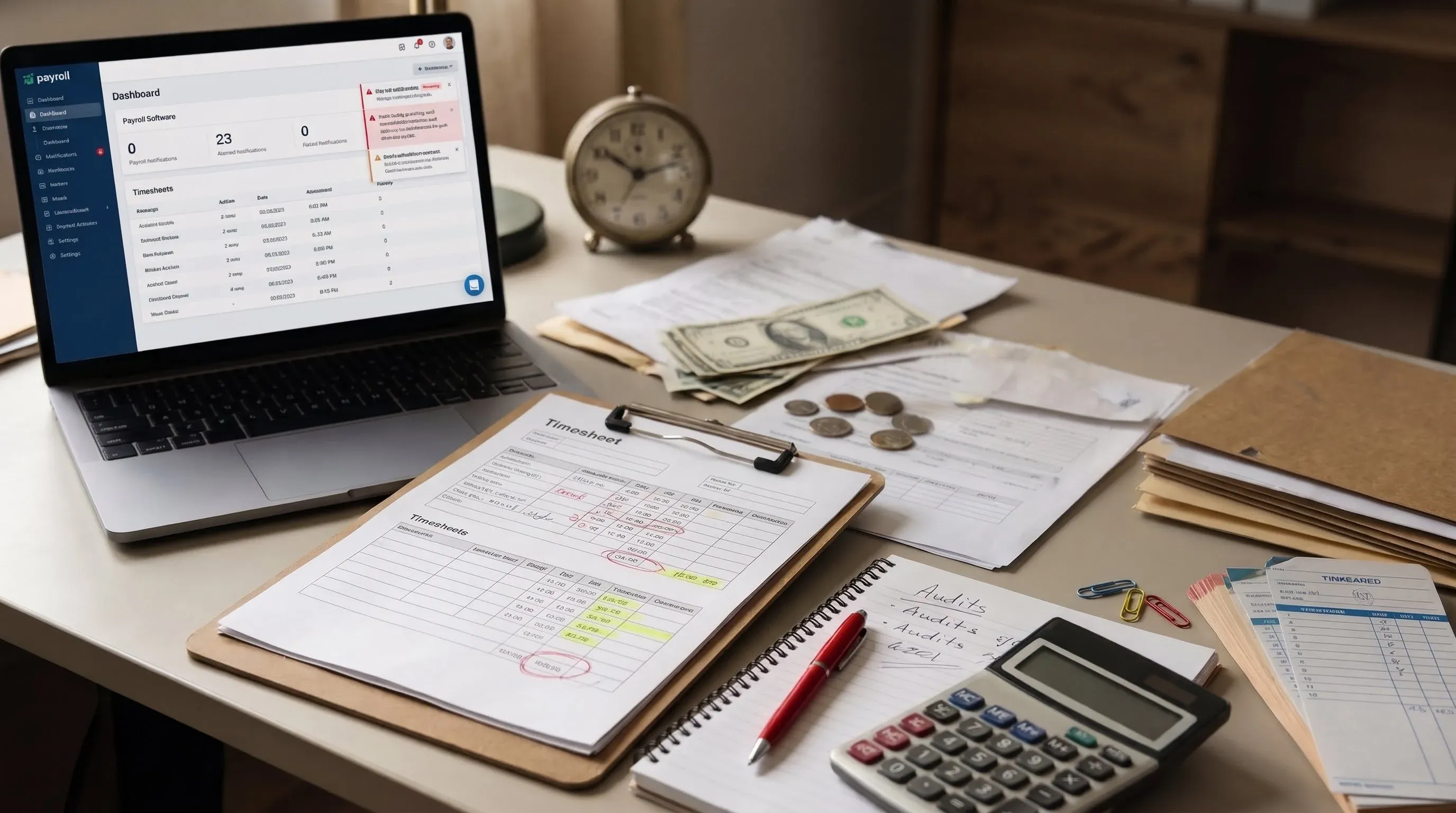
Catch buddy punching, incorrect clock-ins, calculation mistakes, and reconciliation gaps early, so small leaks don't turn into lost profit.

Automate routine work. Cut down late arrivals and unplanned absences without chasing people manually.
Offline sites, multiple locations, site-specific rules, or job-based tracking: TeamsCollab handles it, so HR and site teams don't have to.
Assign shifts and plan jobs across teams and locations. Spot clashes before they happen and avoid last-minute changes.
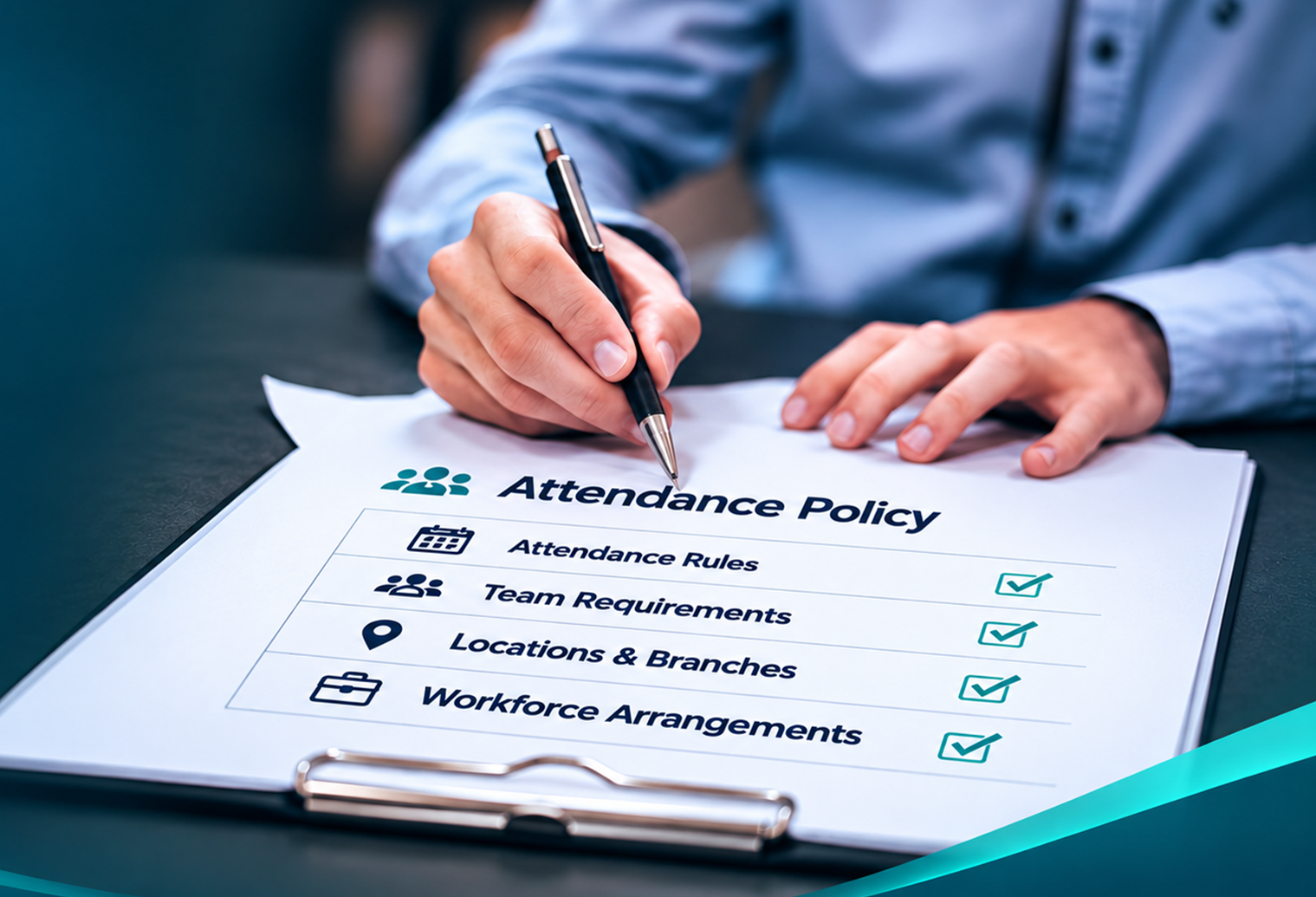
Set rules for attendance, breaks, overtime, and shifts to match local labor laws and your company policy, and reduce compliance risk.
Tell us your needs and our team will reach out within 24 hours and give you a demo.
Add your team, set up your project management dashboard, and customize workflows.
Track tasks, manage resources, and deliver projects on time — all from one place.

Stay connected across locations
Track tasks & deadlines in real-time
Reduce miscommunication & delays
One unified view across all teams
Balance workloads effortlessly
Keep in-office & remote in sync
Accurate time & location tracking
Real-time task updates from the field
Compliance-ready activity logs
Automate daily tasks & save hours
Improve team productivity & visibility
Reduce time loss & bottlenecks
Whether you manage a small team or a large enterprise — Teams Collab is ready
to streamline your workflow, boost collaboration, and keep everyone aligned.

We use cookies to enhance your browsing experience, serve personalised ads or content, and analyse our traffic. By clicking "Accept All", you consent to our use of cookies. Learn More About Our Privacy Policy
Privacy Policy Powered By |

Below, cookies we are going to save for temporary until your cache will not clear
Required Cookies
These cookies are required to enable core site functionality
Functional Cookies
These cookies allow us to analyze site usage so we can measure and improve performance.
Functionality Allowed
- Remember the contact us form details
Functionality Not Allowed
- Remember your log-in details
Privacy Policy Powered By |